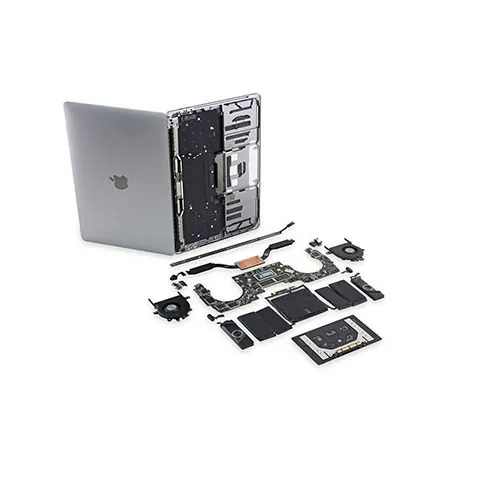
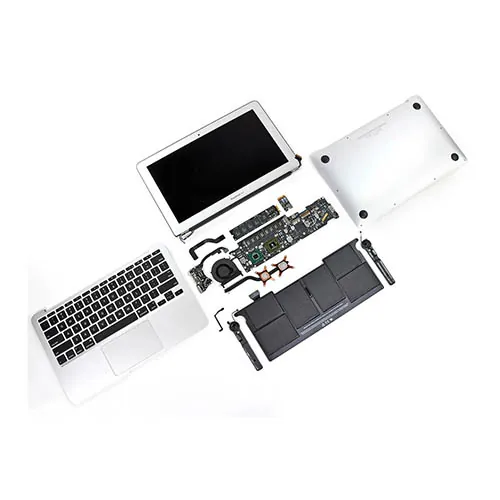
MacBook Pro taken apart

How do you prepare your Mac for service?
To save time and protect your information, complete these steps as far as possible before having your Mac serviced.
- Back up your Mac
It's important to have a backup in case the computer's startup disk needs to be erased or replaced during service.
- Arrange service for your Mac
Depending on the options available, you can book an appointment nearby and take your Mac in, or use mail-in service. If your Apple computer is under warranty, also follow any additional steps required by that programme.
- Check your settings. The service technician needs to be able to run the necessary diagnostic tests. If you can't allow this, the technician will need to discuss options with you.
If you turned on Find My Mac, turn off Find My Mac.
If you set a firmware password, turn it off. This doesn't apply to Mac computers with Apple silicon.
If you ordered mail-in service, follow the additional instructions from Apple.
If you're worried about the security of your data during service, either turn on FileVault or erase your data, such as all content and settings.
- Gather information if you're taking your Mac to a service location:
Bring your receipt if you have it. You may need your Apple ID password and a form of identification, such as a driving licence, passport or other government-issued ID.
Make sure you know your macOS user account name and password in case you need to log in to your Mac at the service location.
- Gather accessories: if you're taking your Mac to a service location, bring the power cable and any accessories you need help with.
If you ordered mail-in service, follow the packing and shipping instructions you received.
If you need more help, contact us for further information.