What is the difference between OEM and retail Windows 10 licences?
Browsing the internet, you soon come across online ads offering cheap versions of Windows 10.
Some of them look suspicious in terms of legitimacy, so it's worth clarifying what an OEM version actually means and whether you should buy one for your computer.
What is an OEM licence?
OEM stands for Original Equipment Manufacturer and refers to companies that assemble PCs (or other devices). The computers they build usually come with a copy of Windows preinstalled, so you can use them straight away when you get home.
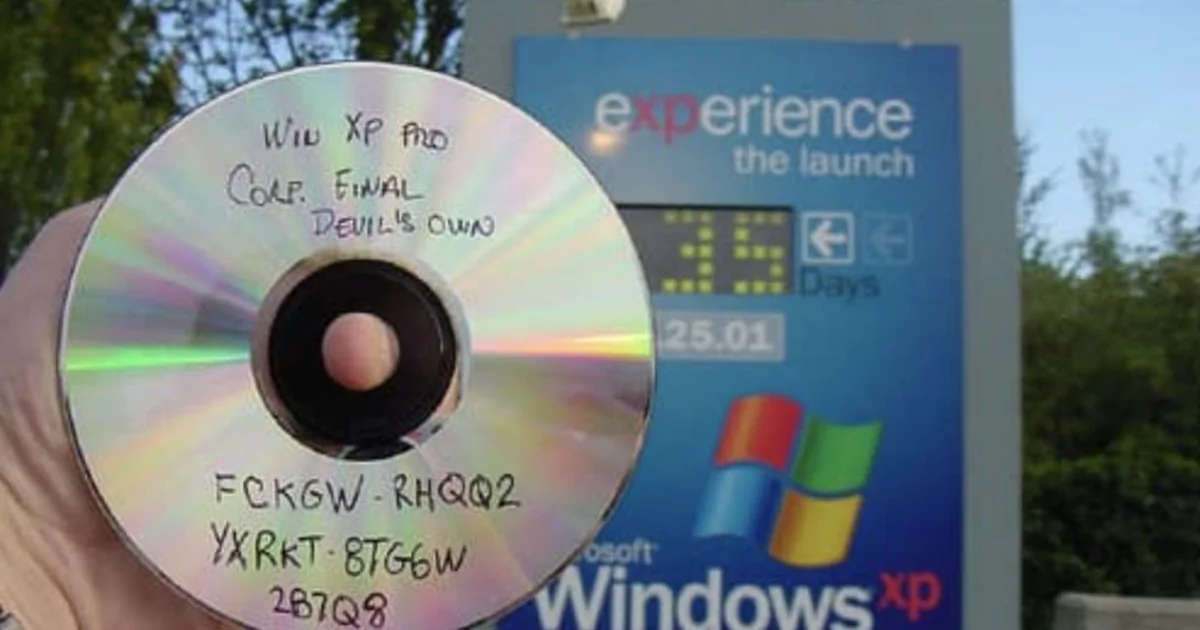
In most cases these Windows versions are OEM copies that manufacturers bought from Microsoft at a discount to install on the computers they make.
Although most OEM versions end up on new PCs, you can also legally buy them from online stores or auction sites. That way, savvy users who build their own computers, or buy a PC without a preinstalled (or with an outdated) operating system, can get Windows at a good price.
What's the difference between OEM and retail versions?
Most people don't buy Windows separately but get it with their computer, so they don't think much about the different types. Those who want to install it on their PC themselves, however, often choose the retail version, which can be bought in shops or on Microsoft's website – in the latter case you download the licence key and installation files.
In terms of use, there's no difference between the two. Both are full versions of the operating system, with all services, updates and features.
In two areas, however – support and flexibility – there's a fundamental difference. When you buy the OEM version, you effectively take on the manufacturer's role, which means that if you face hardware compatibility or activation problems, Microsoft support will probably advise you to contact your computer's manufacturer. Who – if you built the computer yourself – is you.
The other big difference is that the retail version can be used on several computers (not at the same time, of course), while the OEM version is tied to the hardware it was first activated on.
That doesn't seem a big problem, but if you want to replace your PC's motherboard, you'll most likely have to buy a new copy of Windows, since the old one can't be reactivated on the new hardware.